


Firmware Update for Switch 2 Dock when Switch 2 Update to v21.2.0


Dock Firmware Upgrade Guide (Only for Windows 10 & Above)
Please follow the steps below carefully to complete the firmware upgrade for your Dock.
Please click the download button below to download the files named“40 UPDATE.zip”.

1. Extract the upgrade package “40 UPDATE.zip”

Locate and unzip the file 40 UPDATE.zip.
Contents inside:
① Upgrade Tool Software
② Firmware Package
![]()

![]() 2.Run the Upgrade Tool
2.Run the Upgrade Tool
Open the extracted folder and open the “Upgrade Tool Software.exe” to launch the programmer tool.

3.Load the Firmware File
In the software interface, click the "Open" button (located in the center area).
Navigate to and select the “ Firmware Package” file from the extracted folder.


4.Connect Your Dock to the PC
Important: Use a high-quality data-sync USB-C cable (like the original Switch 2 charging cable) to connect the Dock to your computer.


5.Start the Upgrade Process
Once connected, click the "Burn" button in the software to begin the firmware upgrade.
WARNING: Do NOT close the software or disconnect the Dock during the upgrade process.

6.Verify Successful Upgrade
Upon completion, the software will display the message: "The Device Tool Written Successfully."

7.Completion
Congratulations! Your Dock's firmware has been successfully updated. You may now disconnect it and use it normally.
Recent Blogs

 January 06, 2026
From Port Replicator to Power Hub: The Evolution of the Game Dock & What It Means for Your Switch 2 🚀
Game docks have evolved from simple video output boxes to...

 December 29, 2025
No More Scratches: Meet the Adjustable Dock for Switch 2🛠️✅
A Glimpse of Gamer Frustration 🎮 A quick glance at...

 December 10, 2025
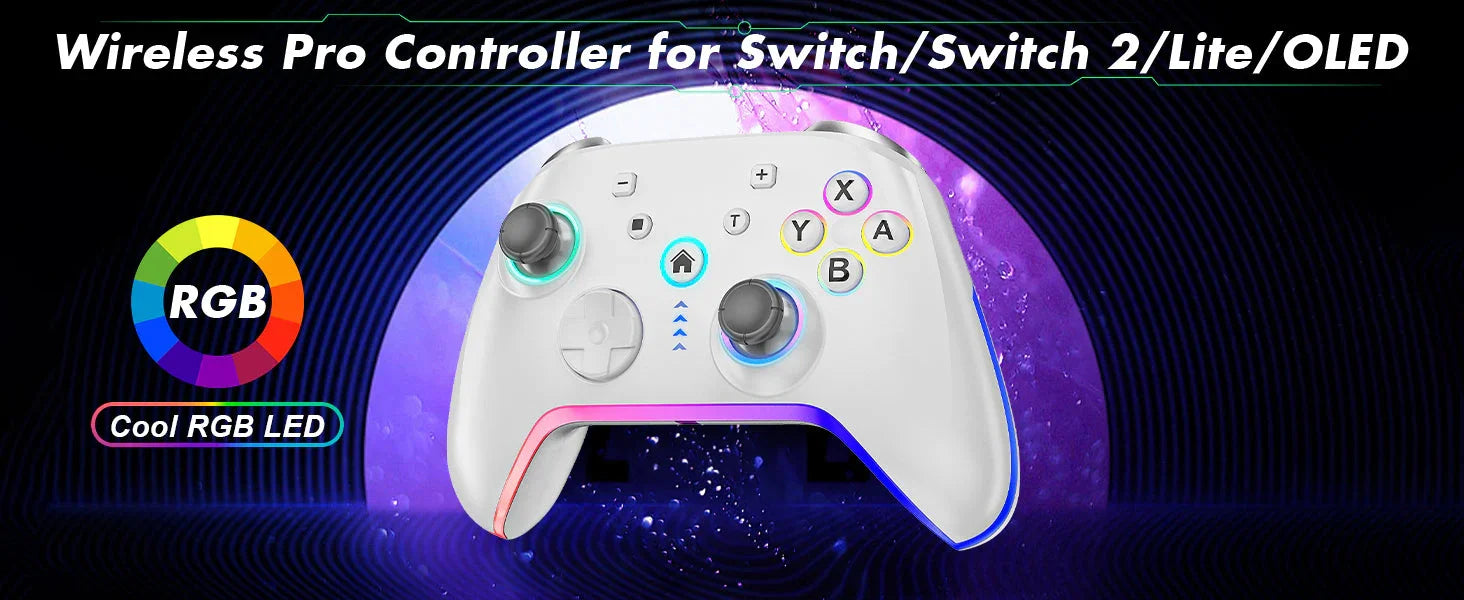
Game On, Level Up: Meet Your New Favorite Wireless Pro Controller 🎮✨
Tired of fighting with your controller when you should be...